

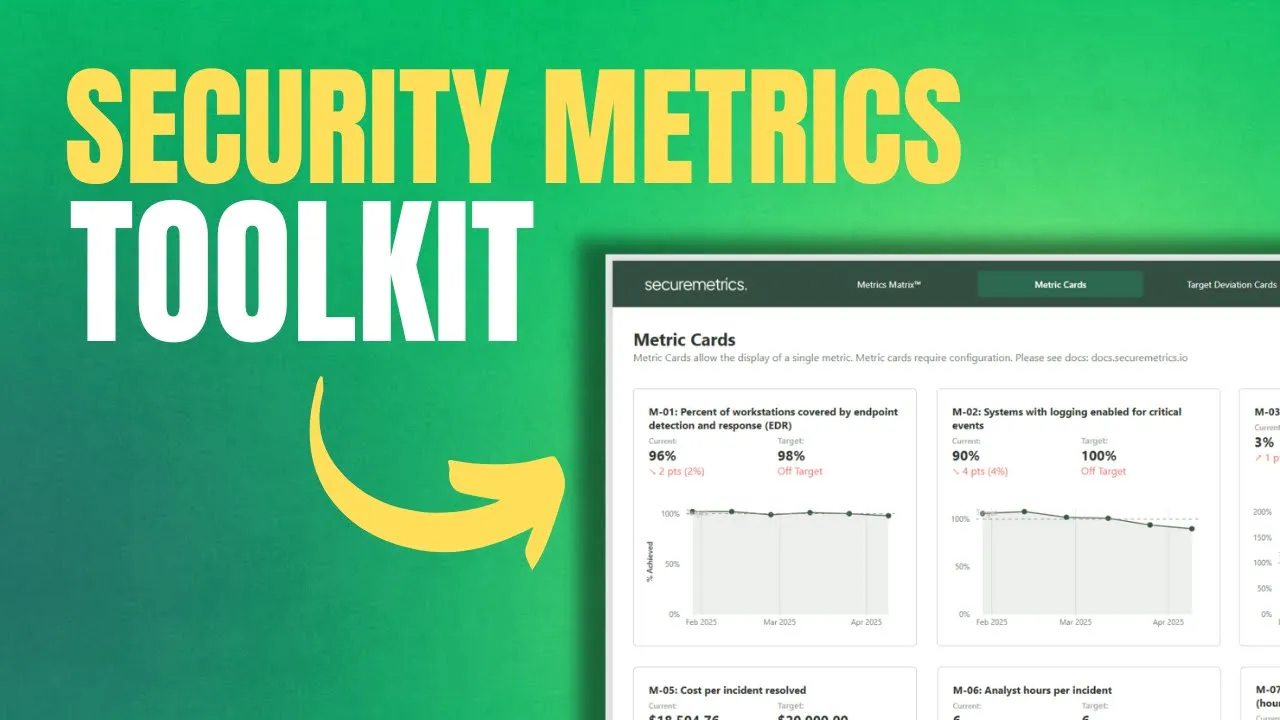
Security Metrics Toolkit
The Security Metrics Toolkit is the easiest and quickest way to stand up reporting for your security metrics program. Aligning to NIST SP 800-55, the toolkit allows you to track any security metric and visualize the data in a central dashboard.
Key Benefits
Visualize ANY security metric
Track measurements over time against defined targets
Group metrics into custom groups
Group metrics by NIST 800-55 metric types (Implementation, Efficiency, Effectiveness, Impact)
Collaborate on a shared Excel File hosted in Teams, OneDrive, or Sharepoint
Metrics Matrix™ provides a one-page view of the entire security metrics program
Action Dots allow for easy identifications for metrics that need action
Metrics Card template show metric details and percent of target achieved over time
Target Deviation Card template shows metric details and deviation from target over time
Up-to-date inventory and documentation on all metrics
Metrics Matrix™

Metric Cards
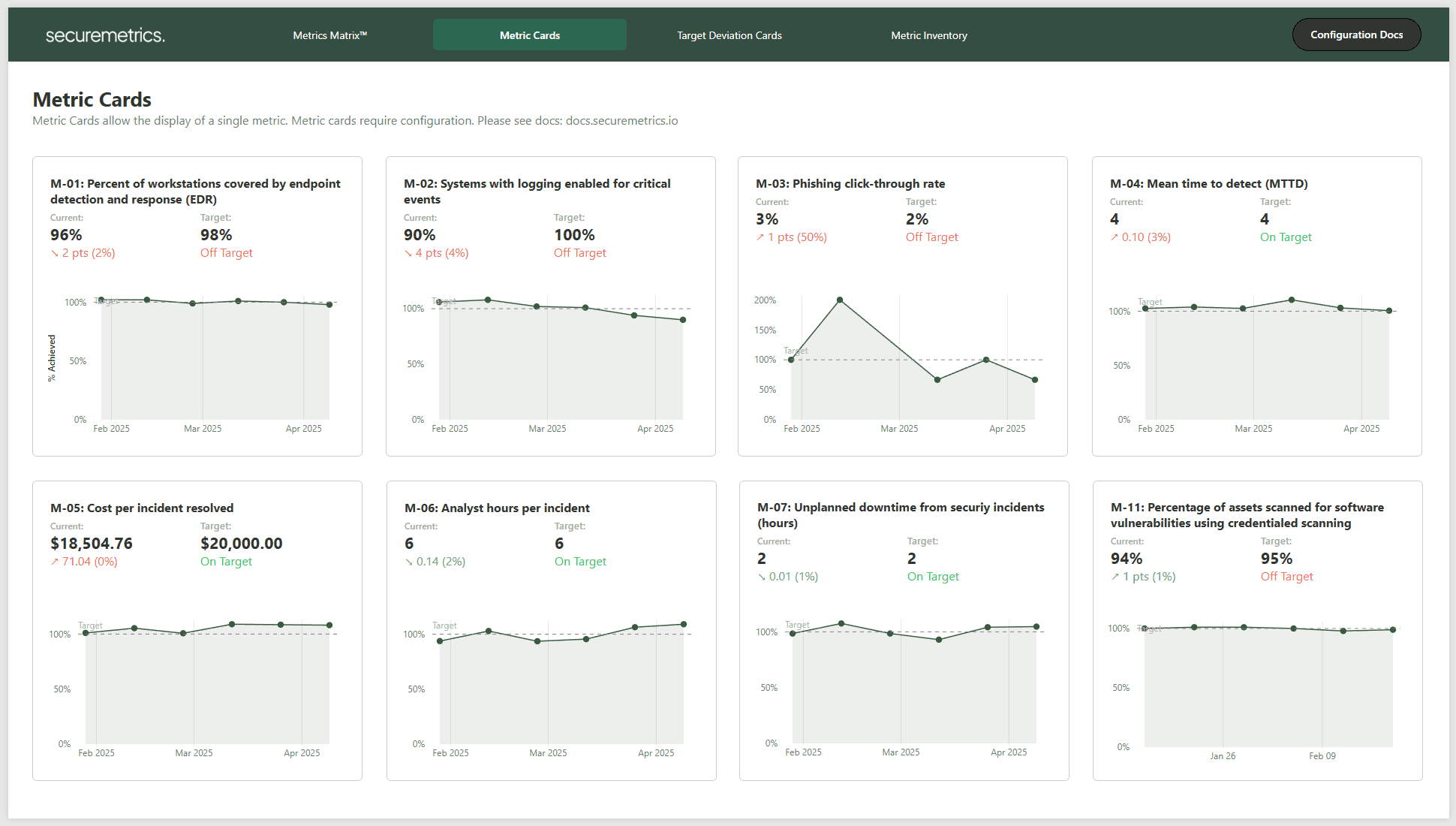
Deviation Cards

Metric Inventory

What You Get
Excel Template (.xlsx)
PowerBI Template (.pbit)
Still not sure?
Or watch the below demo video
Quick & Easy Setup
PowerBI templates are quick and easy to setup in ~10 minutes or less.
01
Connect your data
Either connect the provided Excel workbook or API connection.

02
Load
The template will do all the work to load and transform your data in minutes. You can customize the reports using PowerBI.

03
Distribute
Publish to the PowerBI Service, embed in Microsoft Teams, use locally in PowerBI Desktop, or send to Clients.
FAQ
What PowerBI licensing do I need?
No licensing is required when running locally on PowerBI Desktop. To publish and share your dashboard through the PowerBI service, a PowerBI Pro license is required.
How is data imported to the report?
By default, the report is setup for manual measurement updates in a provided Excel template. However, the template is designed to allow automated calculcation using the data infrastructure of your choice. More info on automation is included in the documentation at docs.securemetrics.io
What happens to my reports if I don't renew?
This product is licensed annually. Annual renewals maintain your access to the latest version of the product in the customer portal. Not renewing will remove your access from the customer portal and future versions, however your current report will continue to function.
Testimonials
Real words from security professionals
Every story is different, but each one reminds us of how execellent security reporting can change conversations, decisions, and the success of an organization.
